
Official appearance controls
Native Codex themes
Explore color and font ideas, inspect them in a realistic Chat preview, and build a locally validated palette. Codex App documents base themes, custom colors, fonts, and theme sharing in Settings.
Browse Codex App appearance ideas, preview validated palettes in realistic Home, Chat, and Diff states, or explore full-background Dream Skins. Native appearance controls, third-party skins, and Codex Themes Desktop are clearly separated so you can choose the right path.

Showing Blushing Muse.
Two ways to personalize Codex
Codex App appearance controls and third-party Dream Skins solve different problems. Choose the smaller, native change when it meets your needs.
Official appearance controls
Explore color and font ideas, inspect them in a realistic Chat preview, and build a locally validated palette. Codex App documents base themes, custom colors, fonts, and theme sharing in Settings.
Third-party customization
Dream Skin can add wallpaper, transparent panels, and a more immersive layout. It uses a separate local workflow with additional compatibility, privacy, and recovery considerations.
Full-background skins
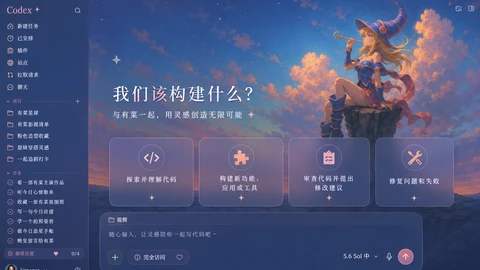
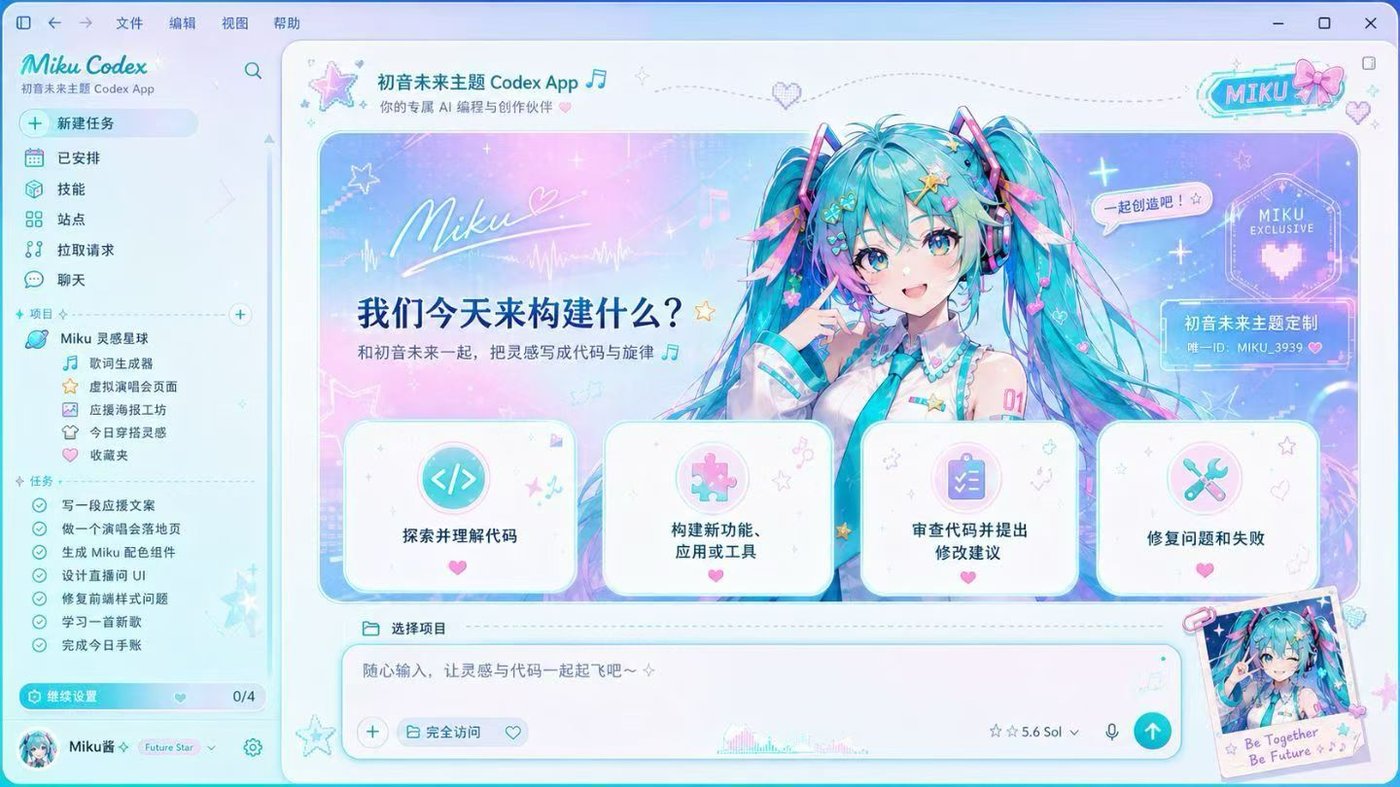
Pastel clouds, starlit skies, and a poised mage create a dreamy magical workspace.

A spacecraft rises beyond the wheat fields, turning a quiet rural night into a journey toward distant horizons.
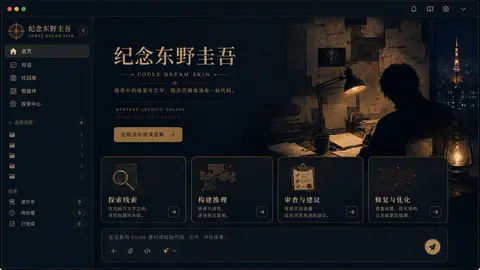
A midnight study of clues, manuscripts, and quiet deduction shapes a focused literary workspace.
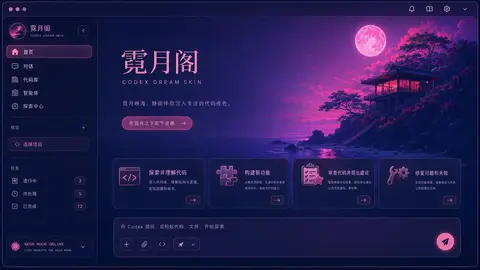
A neon moon and a quiet seaside pavilion shape a focused midnight workspace.
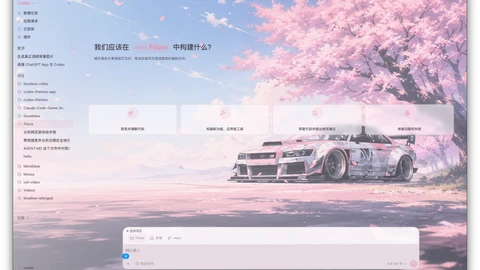
Soft sakura light and a tuned racing coupe create a bright, focused spring workspace.
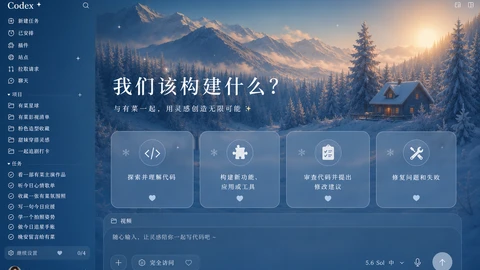
Snowy pines, mountain light, and a quiet cabin create a calm winter workspace.

Sunflowers and towering summer clouds bring a bright, unhurried rhythm to the workspace.
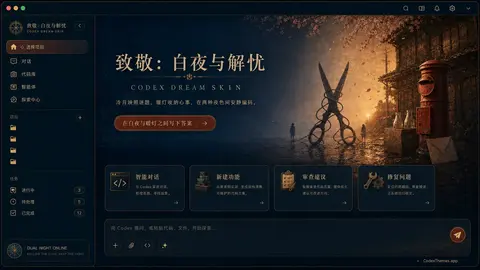
A cool endless night meets a warm street of letters, creating a reflective and quietly comforting workspace.


Golden sunset, cliffside lights, and a calm sea create a romantic coastal workspace.
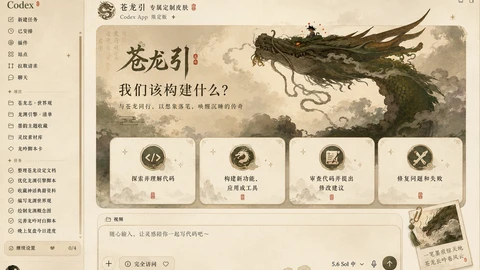
Ancient clouds and a coiling dragon shape a calm, mythic workspace.
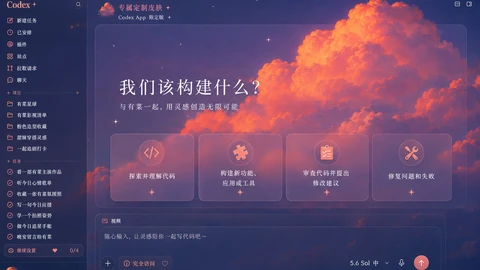
Glowing crimson clouds and deep twilight blues create a dramatic, focused workspace.

Soft rose tones and an elegant portrait create a warm, graceful workspace.
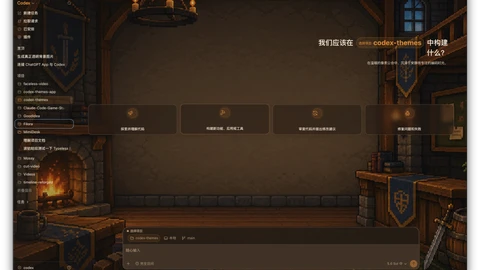
Warm firelight and classic pixel scenery create a focused fantasy workspace.





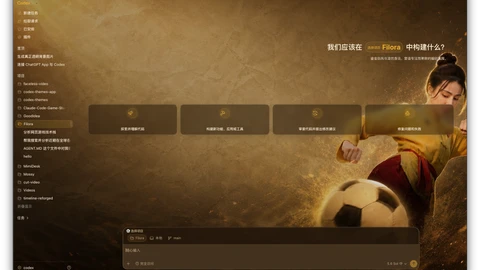
Golden motion and martial-arts energy shape a focused, decisive workspace.
Installation entry
Review Dream Skin safety and local CDP risks before downloading the App or following the Windows setup steps.
If a step fails, stop and troubleshoot the Dream Skin installation before making additional local changes.
Get Codex Themes for Apple Silicon or Intel Mac.
Open the Windows guide for PowerShell and tray setup.
Codex Themes Desktop
Import themes downloaded from this site, apply and switch them locally, verify the result, and restore the original Codex appearance.
Windows in development
Questions before commands
Read the practical answers about installation, local CDP access, verification, and restoration before changing your Codex setup.
No. CodexThemes.app is an independent community project and is not affiliated with or endorsed by OpenAI. Codex and related marks belong to their respective owners.
The documented upstream implementation uses local loopback CDP injection and states that it does not modify Codex.app, app.asar, WindowsApps, or code signatures.
The published upstream repository contains separate macOS and Windows installers. Requirements and commands differ, so always use the guide for your desktop system.
The current macOS workflow validates and uses Codex’s bundled Node, so no global Node install is required. The current Windows workflow requires Node.js 22 or newer.
Yes. Both documented platform workflows provide restore scripts. Read and retain the recovery step before installing.
The upstream project supports user-selected images through its platform customization flow. Keep the image on your device, use a trusted JPG, PNG, or WebP, and prefer a resized 2560 × 1440 asset rather than an unusually large file.
A verified record must name its platform, Codex version, Dream Skin commit, test date, and retained screenshot evidence. An upstream background reference or a concept preview is labelled separately and is never treated as verification.
An update can change the interface that Dream Skin targets. Re-run the platform verification workflow, compare the site review date, and restore while waiting for upstream compatibility work if the layout is broken.
No tool should claim that. Dream Skin binds CDP to 127.0.0.1, but CDP has no same-user authentication. Run only trusted local software while it is active and restore when finished.
Complex or multiline TOML can trigger the installer’s safe refusal path. Do not delete or rebuild the file; retain the error, restore incomplete changes, and follow the troubleshooting and upstream issue guidance.